
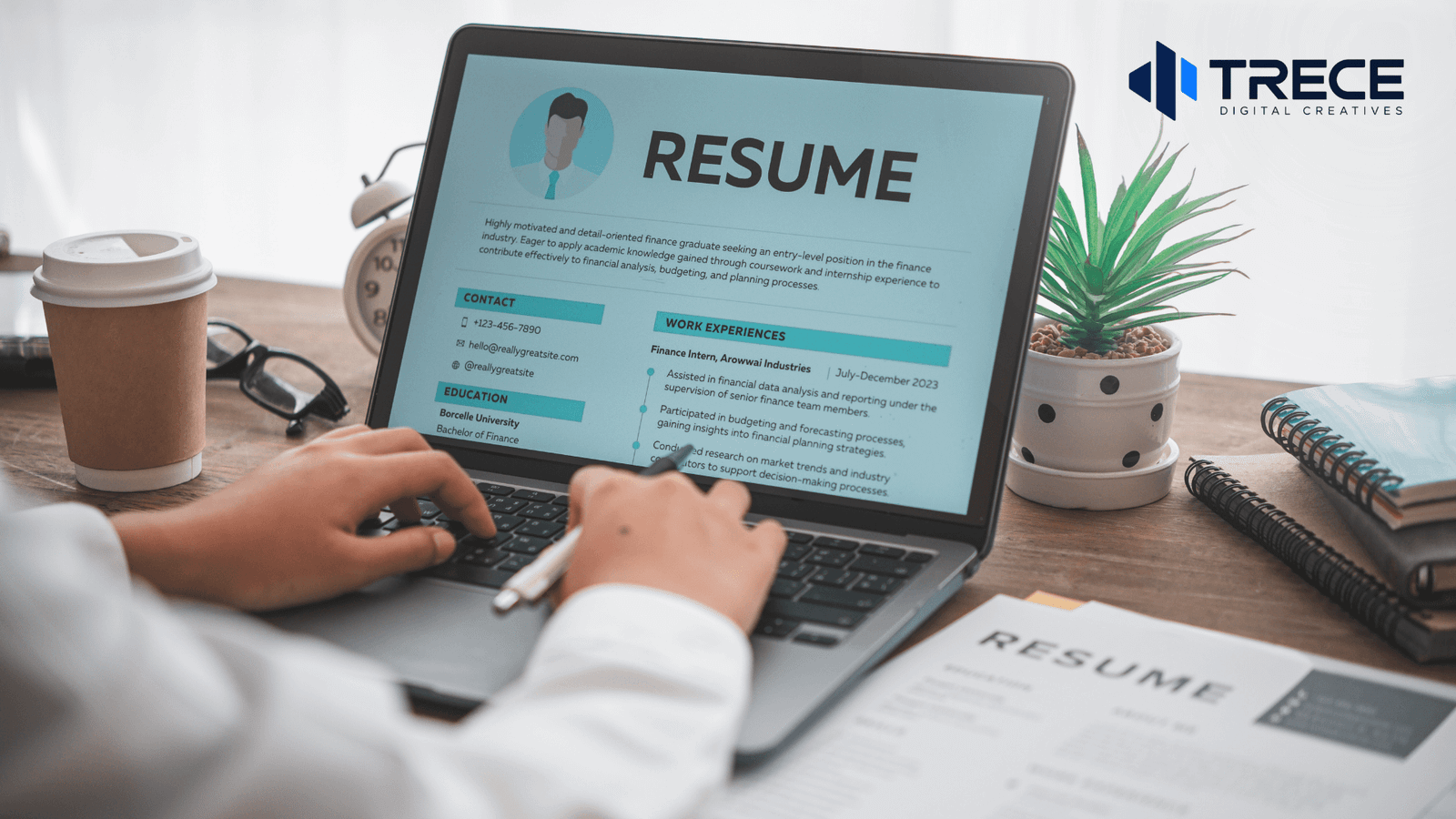
A resume should provide employers with a clear summary of your contact information, work experience, relevant skills, education, and professional achievements. Its purpose is to show how your qualifications match the job you are applying for.
If you’re wondering what information should a resume provide, focus on details that help employers understand what you can do, where you’ve worked, and what you’ve accomplished.
A strong resume doesn’t need to include everything about your background. It should highlight your most relevant qualifications in a format that’s easy to read.
What Are the Essential Parts of a Resume?
Most resumes contain five main sections. Some job seekers may also benefit from adding certifications, projects, volunteer experience, or a professional portfolio.
Here’s a quick overview of what to include.
| Resume Section | Information to Include |
| Contact Information | Full name, phone number, professional email, and location |
| Professional Summary | Brief overview of relevant experience, skills, and qualifications |
| Work Experience | Job titles, employers, employment dates, responsibilities, and achievements |
| Education | School, degree or qualification, and relevant educational details |
| Skills | Technical abilities, software knowledge, and job-related skills |
| Additional Sections | Certifications, projects, awards, volunteer work, or portfolio links when relevant |
According to the CareerOneStop Resume Guide, a resume should emphasize qualifications that relate directly to the position being advertised.
Let’s look at what belongs in each section.
1. Contact Information
Your contact information should appear at the top of your resume so employers can reach you easily.
Include:
- Full name: Use the name you want employers to recognize.
- Phone number: Provide a reliable number where recruiters can contact you.
- Professional email address: Use a simple address based on your name when possible.
- Location: Your city and state are usually enough for US applications.
- LinkedIn profile: Optional, but useful when your profile is complete and up to date.
- Portfolio or personal website: Include it when your work samples are relevant to the position.
For example:
Jordan Smith
Austin, TX
(512) 555-0142
jordan.smith@example.com
linkedin.com/in/jordansmith
You generally don’t need to include your full home address. The CareerOneStop guidance on resume contact information recommends using your city and state instead.
2. Professional Summary or Career Objective
A professional summary introduces your strongest qualifications near the top of your resume.
It’s especially useful when you have relevant work experience, are changing careers, or need to explain how your background fits a new position.
A good summary can mention:
- Your current profession or area of expertise
- Your relevant experience
- Two or three important skills
- A notable achievement or specialization
Example of a Professional Summary
Administrative assistant with four years of experience supporting daily office operations, coordinating schedules, and organizing business records. Skilled in Microsoft Office, customer communication, and administrative support.
This example immediately explains the applicant’s experience and capabilities.
When Should You Use a Career Objective?
A career objective may be useful if you’re a student, recent graduate, or someone transitioning into a different industry.
Rather than writing a general statement about wanting career growth, explain what skills you can contribute.
For example:
Recent business administration graduate seeking an entry-level administrative position where I can apply my organizational, communication, and Microsoft Excel skills.
A summary or objective is optional. If it doesn’t add meaningful information, you can use that space for your experience, education, or skills instead.
3. Work Experience and Professional Achievements
Work experience is one of the most important resume sections because it helps employers evaluate your qualifications.
Generally, list your positions in reverse chronological order, starting with your most recent job.
For each position, provide:
- Job title
- Company or organization name
- Employment location when relevant
- Start and end dates
- Important responsibilities
- Specific accomplishments
How to Describe Your Previous Jobs
Avoid copying an entire job description into your resume.
Instead, emphasize the responsibilities and results most relevant to your target position.
Basic example:
Responsible for managing social media accounts.
More informative example:
Created and scheduled weekly social media content, maintained the content calendar, and prepared monthly performance reports.
The second example gives employers a clearer understanding of the applicant’s actual responsibilities.
When you have verified results, you can make your experience even more specific.
For example, if accurate:
Reduced average customer response time from 24 hours to 8 hours by organizing incoming support requests.
Only include numbers and achievements that you can explain and support.
The CareerOneStop work experience guide recommends describing both your responsibilities and the outcomes of your work.
4. Education and Academic Background
Your education section tells employers about your academic qualifications and relevant training.
Depending on your background, include:
- Degree, diploma, or qualification
- School, college, or university
- Field of study
- Graduation year, when relevant
- Academic honors or relevant coursework, when useful
Education Example
Bachelor of Science in Business Administration
University of North Texas
Graduated: 2024
If you’re a recent graduate with limited work experience, consider placing your education section before your employment history.
You may also include relevant academic projects, internships, or achievements.
If you already have several years of professional experience, your education section can be shorter and appear after your work experience.
You don’t necessarily need to list every school you’ve attended.
5. Relevant Skills and Technical Abilities
Your skills section should demonstrate abilities that match the employer’s requirements.
Rather than creating a long list of general skills, choose those that are useful for the position.
Technical Skills
These are abilities involving specific tools, software, methods, or professional knowledge.
Examples include:
- Microsoft Excel
- WordPress
- Adobe Photoshop
- Canva
- Data analysis
- Bookkeeping
- Customer relationship management software
- HTML and CSS
Only include skills you actually possess.
Soft Skills
Soft skills describe how you communicate, organize work, and collaborate with others.
Examples include:
- Communication
- Time management
- Problem-solving
- Teamwork
- Organization
- Adaptability
Soft skills are often more convincing when demonstrated through work experience rather than listed without context.
For example, instead of simply writing “Leadership,” you could describe a project in which you coordinated a team.
The goal is to connect your abilities with actual responsibilities and accomplishments.
6. Additional Information You Can Include
Not every resume needs extra sections. However, additional information can strengthen your application when it supports your qualifications.
Certifications and Professional Training
Include certifications, licenses, or relevant training that demonstrate specialized knowledge.
For each credential, provide the certification name, issuing organization, and date or validity information when relevant.
This is particularly important for positions requiring specific professional qualifications.
Projects and Portfolio
Projects help employers evaluate what you can create or accomplish.
This section is especially useful for:
- Graphic designers
- Web designers
- Software developers
- Writers
- Marketing professionals
- Recent graduates
For example, a web designer might include a website project with a short description of the work performed and a portfolio link.
Choose samples that reflect the type of work the employer needs.
Volunteer Experience
Volunteer work can demonstrate transferable skills, especially if you have limited paid employment history.
You might include organizing events, managing community communications, coordinating volunteers, or supporting nonprofit projects.
Awards and Achievements
Include professional recognition, relevant competitions, or academic achievements when they strengthen your application.
According to CareerOneStop’s guidance on optional resume sections, additional details should support your career goals rather than simply fill space.
What Information Should You Leave Off a Resume?
Including unnecessary personal information can distract from your qualifications.
For most standard US job applications, you generally don’t need to include:
- Date of birth or age: These details aren’t normally relevant to your ability to perform the job.
- Marital status: Your family circumstances don’t belong on a standard resume.
- Full street address: City and state are usually sufficient.
- Social Security number: Never include this sensitive information on your resume.
- Personal photograph: Usually unnecessary for standard US resumes, unless a particular application has a legitimate reason to request one.
- Unrelated hobbies: Include them only when they demonstrate relevant qualifications.
- References available upon request: This statement usually uses space without adding meaningful value.
- Salary history or expectations: Provide this separately if an employer legitimately requests it.
Requirements can differ for specialized positions, international applications, or government hiring processes. Always review the employer’s application instructions.
How Should You Organize Your Resume?
Having the right information is important, but employers also need to find it quickly.
A readable resume uses clear headings, consistent spacing, and a logical order.
A common structure for an experienced applicant is:
- Contact Information
- Professional Summary
- Work Experience
- Skills
- Education
- Relevant Certifications or Projects
For recent graduates, education and relevant projects may appear earlier.
Keep the Layout Simple
Use readable fonts, consistent headings, and enough white space to separate sections.
Avoid excessive graphics, decorative elements, and complicated layouts.
Many employers use applicant tracking systems (ATS) to manage applications. Some systems may have trouble interpreting complex resume designs.
The CareerOneStop resume formatting guide recommends a simple, single-column layout with standard section headings for reliable readability.
A visually attractive resume is helpful, but appearance should never make the information difficult to understand.
How Long Should a Resume Be?
For many US job seekers, one or two pages is appropriate.
A one-page resume may work well for students, recent graduates, and applicants with limited relevant experience.
Two pages can be appropriate when additional professional experience, achievements, or qualifications directly support the application.
The goal isn’t to reach a specific page count. It’s to communicate your qualifications clearly without unnecessary details.
How to Tailor Your Resume to a Job Description
Sending the exact same resume to every employer may make it harder to demonstrate why you’re qualified for a particular position.
Before applying, review the job description and identify the employer’s priorities.
Step 1: Identify the Main Requirements
Look for the experience, qualifications, and technical skills mentioned in the job posting.
Pay attention to responsibilities that appear central to the position.
Step 2: Match Your Actual Qualifications
Review your resume and identify experience that demonstrates those requirements.
For example, if the position involves managing WordPress websites, highlight relevant WordPress projects rather than unrelated administrative tasks.
Step 3: Adjust Your Descriptions
Use terminology that accurately reflects your experience and aligns with the job description.
Don’t add skills you haven’t used or qualifications you don’t possess.
Step 4: Prioritize Relevant Achievements
Move your strongest relevant examples toward the beginning of each section.
Employers should be able to identify your qualifications without searching through unrelated information.
Resume Example: Putting the Information Together
Here’s a simplified hypothetical example for an administrative assistant applying for an office support position.
Jordan Smith
Austin, TX | (512) 555-0142 | jordan.smith@example.com
Professional Summary
Administrative assistant with three years of experience managing office schedules, organizing records, and supporting daily operations. Proficient in Microsoft Office and business communication.
Work Experience
Administrative Assistant
ABC Business Services | Austin, TX
June 2023 – Present
- Coordinated calendars and meeting schedules for office staff.
- Prepared reports, spreadsheets, and internal documents.
- Organized electronic records and maintained document accuracy.
- Responded to customer inquiries through email and phone.
Skills
- Microsoft Word and Excel
- Calendar Management
- Data Entry
- Document Preparation
- Customer Communication
Education
Associate of Applied Science in Business Administration
Austin Community College
This example provides the essential information without including unnecessary personal details. It is intended to illustrate resume structure, not describe a real applicant.
Job Seeker’s Resume Checklist
Before submitting your resume, use this checklist to confirm that you’ve included the necessary information.
Contact Information
- My name is clearly visible at the top.
- My phone number and email address are correct.
- My city and state are included where appropriate.
- My LinkedIn or portfolio links work, if included.
Professional Qualifications
- My summary or objective is relevant, if I use one.
- My work experience includes accurate job titles and employment dates.
- My job descriptions explain important responsibilities and accomplishments.
- My skills match the position I’m applying for.
- My education and relevant qualifications are included.
Final Review
- My resume is tailored to the job description.
- I have removed unnecessary personal information.
- All achievements and employment details are accurate.
- The layout is easy to read.
- Spelling, grammar, and formatting are consistent.
- The file format follows the employer’s instructions.
- I have reviewed the final document before submitting it.
Completing this checklist can help you identify missing information and present a more organized application.
Common Resume Mistakes to Avoid
Even when your resume includes all the important sections, a few mistakes can reduce its effectiveness.
1. Listing duties without useful details
Explain the work you performed and, when possible, the results you achieved.
2. Including too much unrelated information
Prioritize experience and qualifications that help demonstrate your suitability for the position.
3. Using an overly complicated design
Choose readability over decorative graphics, especially when submitting through an online application system.
4. Exaggerating experience or skills
Keep your resume truthful. Employers may ask you to explain your qualifications during an interview.
5. Forgetting to update your resume
Review your resume when you gain new skills, complete projects, earn certifications, or change responsibilities.
6. Ignoring application instructions
Some employers request specific file formats or additional documents. Follow their directions rather than assuming every application has the same requirements.
What Should Your Resume Tell an Employer?
A well-prepared resume should answer three important questions: Who are you professionally? What relevant skills and experience do you have? Why should an employer consider you for the position?
Focus on accurate information, relevant achievements, and clear organization. A simple resume that communicates your qualifications effectively is generally more useful than a complicated document filled with unnecessary details.
Before submitting your next application, use the checklist above to review your content and make sure every section supports your career goals.
Need Help Presenting Your Professional Materials?
Clear design and organized information also matter when presenting your portfolio, professional profile, or other supporting materials.
Trece Digital Creatives offers Marketing Materials Design services focused on creating clear, professional layouts for presentations, profiles, and other visual materials.
Explore our services and start with a free 2-hour trial task to see how our design support can help with your professional materials.